Reactivation
Read the Reactivation stage — what you lost, what it was worth, and how recently it went.
Reactivation is the last stage in the Lifecycle sidebar: the profiles that were yours and are not any more. Its Profiles view is a ranked list rather than a chart — the one stage whose list is the whole point.
Every member can read the list. Editing the lifecycle definition and the scoring models behind it is limited to workspace admins.
Why there is no score here
Every other stage plots worth against how likely its outcome is: will this profile activate, churn, grow. Reactivation could have had a fourth number — how likely is this one to come back — and deliberately does not.
We have no evidence about what predicts a win-back, and a number invented to fill an axis is worse than no number: it looks like a measurement and behaves like a guess. So the page ranks what Uptend has actually recorded and leaves the judgement to you. If a win-back score earns its place later, it has one waiting.
What was lost
Open the Profiles view.
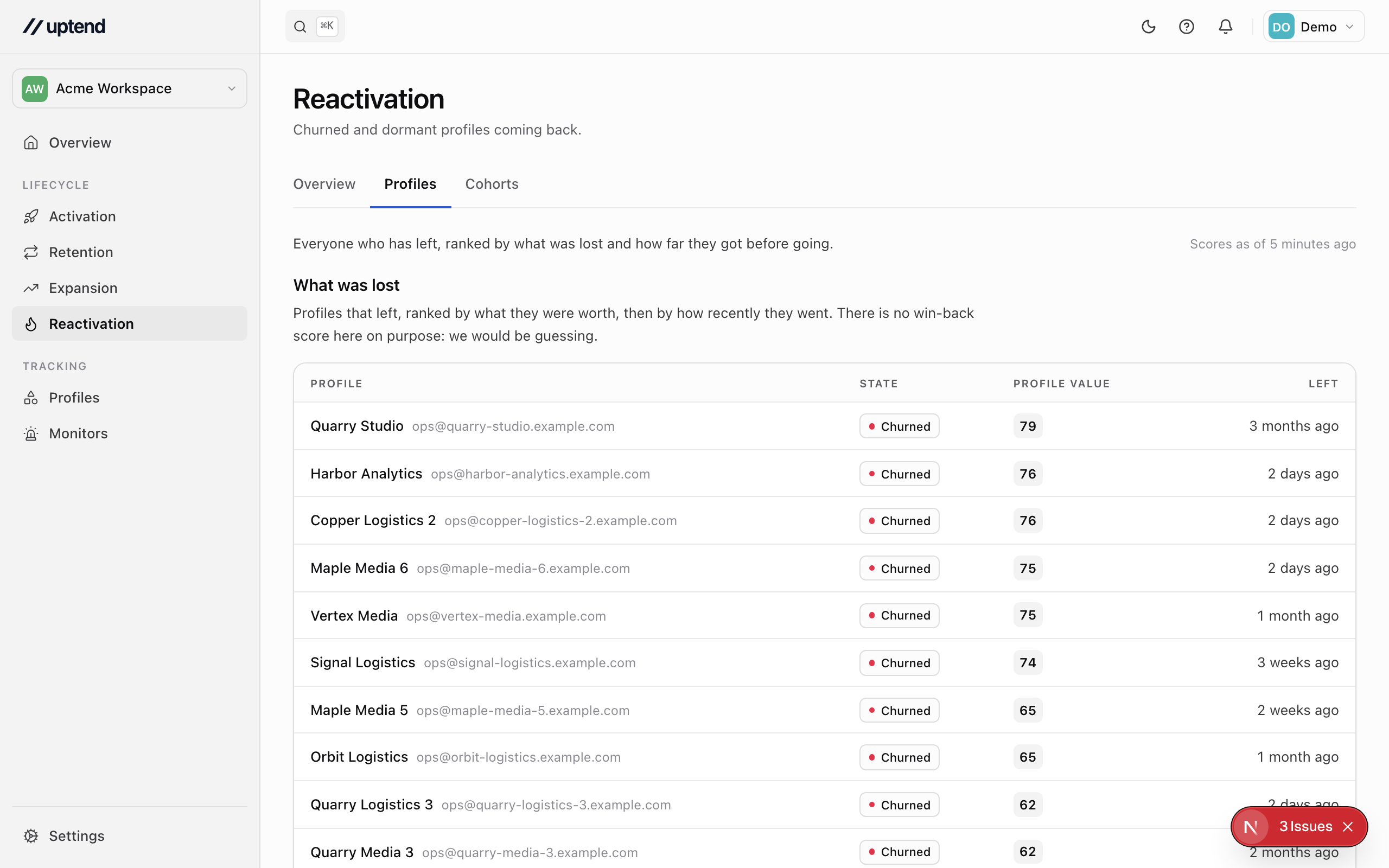
The list is ordered by Profile value and then by how recently each left. Each row carries:
- State — Churned or Dormant. A dormant profile never activated; a churned one did and then went quiet.
- Worth — the Profile value score, kept on churned profiles for exactly this reason. With Profiles differ in worth switched off, the column goes and the list is ordered by recency alone.
- Left — when it entered the state it is in.
Click any row to open the profile and its full timeline.
How many came back
The Overview carries the stage's numbers: how many profiles entered the stage in the window — that is, churned or went dormant — how many came back, the rate, and the median time it took them. The Cohorts view groups the same profiles by the week they left, and fills in how many had returned by each point after.
Retention and expansion overviews
Read the Retention and Expansion overviews — who is slipping, who is growing, and how each activation cohort holds up over time.
Monitors
Watch for something being true of a profile — a failing import, a card about to expire, nobody seen for a fortnight — with dwell, resolution and recurrence.